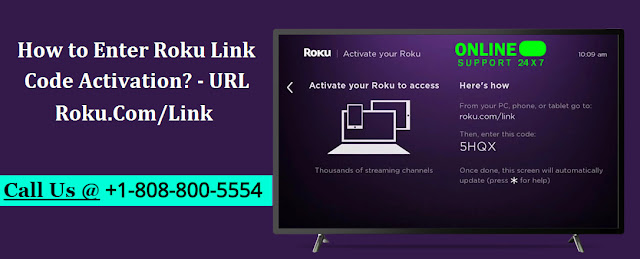
Roku Player Activate Using Roku.com/link | URL Roku Com Link
Roku is a streaming device or a media player that is manufactured by Roku Inc. It provides the easiest way to watch TV channels, News, Kids channels, and more. Roku has more than 500000+ movies and TV channels free and paid. What is Roku.com/link? Roku.com/link is a website link by which one can activate the Roku player. Every user required to activate Roku by entering the Roku activation code . Registration and activation of the Roku player is a the one-time process once the user enables their Roku player after that they don't need to repeat. Remember: Roku sends a notification to upgrade day by day to provide a better user experience. If you don't know how to activate the device by Roku.com/link , follow the complete guide to activate your device. Activate Roku Player by Roku.com/link Before activating Roku, you need to sign up for a Roku account. If you already have an account, click here to login in Roku account. If you don't hav...